Moviik
0

CHECK-IN

SMS & WhatsApp Notifications

Keep your customers informed, engaged, and free to roam while they wait with real-time updates via SMS, and WhatsApp.

Book a free demo
SMS & WhatsApp Notifications

CHECK-IN

SMS & WhatsApp Notifications

Keep your customers informed, engaged, and free to roam while they wait with real-time updates via SMS, and WhatsApp.

Book a free demo
SMS & WhatsApp Notifications
Put the waiting line directly on the customer's phone

Put the waiting line directly on the customer's phone

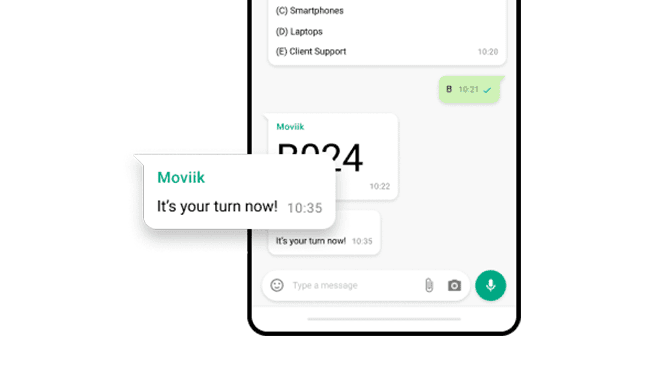
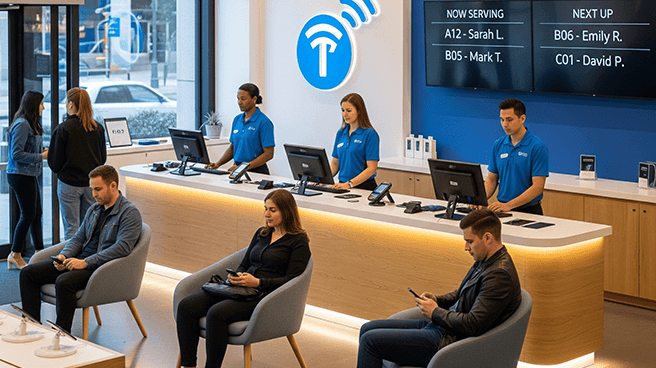
By turning physical tickets into an instant digital experience, it puts the queue directly onto the customer’s phone and sends real-time alerts when their turn is approaching.

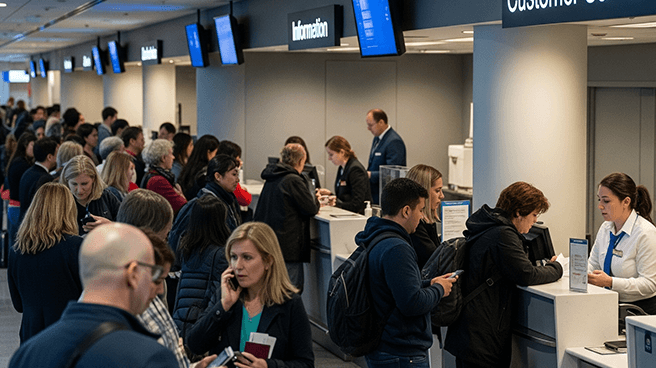
No one likes being stuck waiting in one place, so giving people their time back to grab a coffee, sit down, or finish other shopping fundamentally transforms a frustrating chore into a respectful, premium customer experience.
Put the waiting line directly on the customer's phone

Put the waiting line directly on the customer's phone

By turning physical tickets into an instant digital experience, it puts the queue directly onto the customer’s phone and sends real-time alerts when their turn is approaching.

No one likes being stuck waiting in one place, so giving people their time back to grab a coffee, sit down, or finish other shopping fundamentally transforms a frustrating chore into a respectful, premium customer experience.

One queue. Two ways to keep customers informed.

Give your customers the freedom to wait on their own terms. Moviik now supports three powerful notification channels to ensure no one ever misses their turn.
Queue Management Instant SMS Alerts

Instant SMS Alerts

How it works:
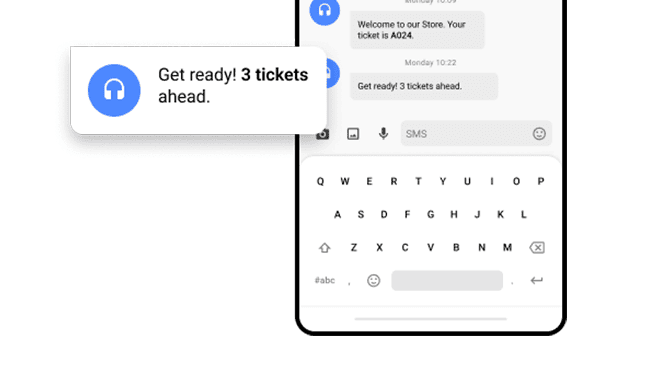
A direct text message alerts the customer from their initial welcome to when their turn is approaching.

Best for:
Seamless, reliable communication that doesn’t require an internet connection or a specific app.

Queue Management WhatsApp Notifications

WhatsApp Notifications

How it works:
Real-time updates sent directly to the world’s most popular messaging app, keeping their 
ticket completely synchronized.

Best for:
High-engagement updates where customers can easily track their queue status in a familiar chat interface they use every day.

One queue. Two ways to keep customers informed.

Give your customers the freedom to wait on their own terms. Moviik now supports three powerful notification channels to ensure no one ever misses their turn.

Queue Management Instant SMS Alerts

Instant SMS Alerts

How it works:
A direct text message alerts the customer from their initial welcome to when their turn is approaching.

Best for:
Seamless, reliable communication that doesn’t require an internet connection or a specific app.

Queue Management WhatsApp Notifications

WhatsApp Notifications

How it works:
Real-time updates sent directly to the world’s most popular messaging app, keeping their 
ticket completely synchronized.

Best for:
High-engagement updates where customers can easily track their queue status in a familiar chat interface they use every day.

How it works for your customers:

Getting a ticket straight to your phone
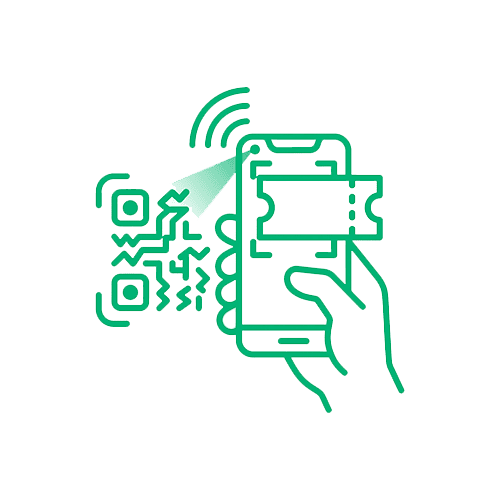
Getting connected takes seconds. It’s a seamless, 3-step process designed to get customers away from the waiting line and back to their day.
Get your Digital Ticket

1. Get your Digital Ticket

Scan the QR code from a printed paper ticket, directly off the kiosk screen, or from any in-store signage to instantly launch the digital ticket on your phone.

Activate Notifications

2. Activate Notifications

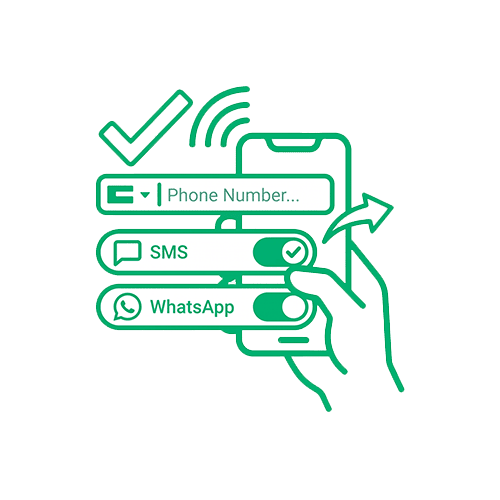
Once the digital ticket opens in the mobile browser, simply enter your phone number and choose your preferred channel to activate live tracking.
Stay updated anywhere

3. Stay updated anywhere

Start receiving automated SMS or WhatsApp messages keeping you informed of your exact queue status, freeing you to relax, grab a coffee, or shop.

How it works for your customers:

Getting a ticket straight to your phone

Getting connected takes seconds. It’s a seamless, 3-step process designed to get customers away from the waiting line and back to their day.
Get your Digital Ticket

1. Get your Digital Ticket

Scan the QR code from a printed paper ticket, directly off the kiosk screen, or from any in-store signage to instantly launch the digital ticket on your phone.

Activate Notifications

2. Activate Notifications

Once the digital ticket opens in the mobile browser, simply enter your phone number and choose your preferred channel to activate live tracking.
Stay updated anywhere

3. Stay updated anywhere

Start receiving automated SMS or WhatsApp messages keeping you informed of your exact queue status, freeing you to relax, grab a coffee, or shop.

Complete control in your Backoffice

While customers enjoy their freedom, store managers get total control. Moviik’s robust backoffice lets you easily configure, automate, and customize your customer communications to match your operational workflow.
Complete control in your Backoffice
You decide exactly when and how to loop your customers in.
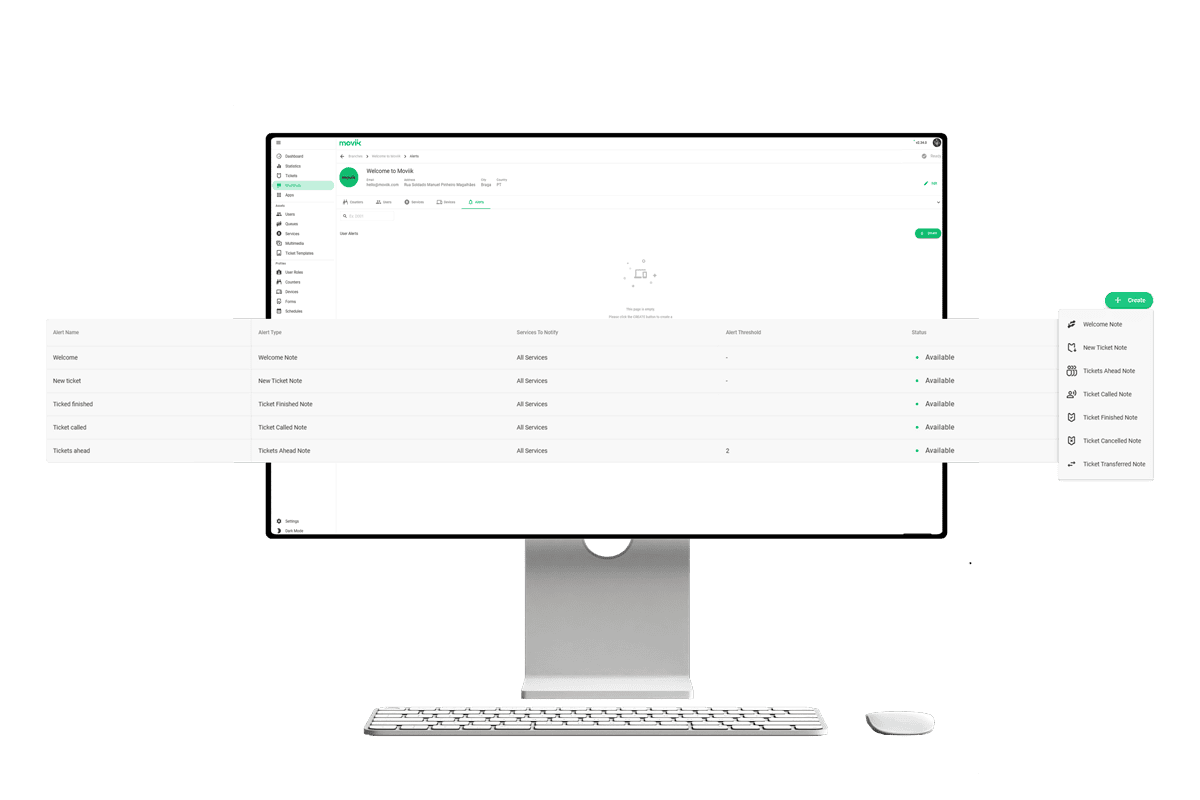
Our backoffice allows you to toggle and configure specific automated alerts for every critical milestone:

Welcome & onboarding:

Status:
New Ticket & Welcome Note

Triggers a live digital confirmation the very second a customer enters your virtual waiting line.

Proactive queue tracking

Status:
Tickets Ahead Alert

Keeps patience high by showing people exactly how many numbers are left in front of them.

The final turn notification

Status:
Ticket Called Warning

Instantly alerts the user to head directly to their assigned counter the moment staff is ready.

End of journey resolution

Status:
Finished/Transferred Note

Keeps a mobile device perfectly updated if a customer profile gets changed or cancelled.

Complete control in your Backoffice

While customers enjoy their freedom, store managers get total control. Moviik’s robust backoffice lets you easily configure, automate, and customize your customer communications to match your operational workflow.
Complete control in your Backoffice
You decide exactly when and how to loop your customers in.
Our backoffice allows you to toggle and configure specific automated alerts for every critical milestone:

Welcome & onboarding:

Status:
New Ticket & Welcome Note

Triggers a live digital confirmation the very second a customer enters your virtual waiting line.

Proactive queue tracking

Status:
Tickets Ahead Alert

Keeps patience high by showing people exactly how many numbers are left in front of them.

The final turn notification

Status:
Ticket Called Warning

Instantly alerts the user to head directly to their assigned counter the moment staff is ready.

End of journey resolution

Status:
Finished/Transferred Note

Keeps a mobile device perfectly updated if a customer profile gets changed or cancelled.

Where Notifications make the difference

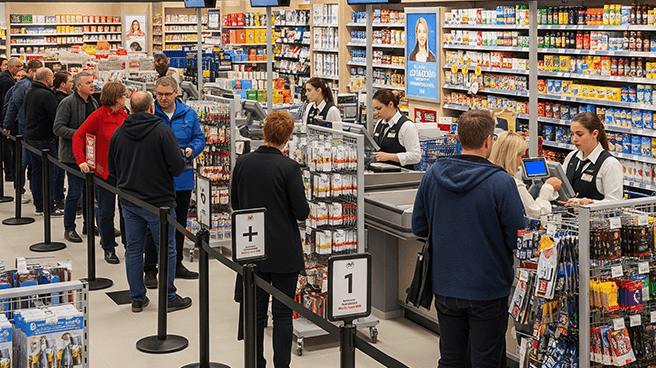
Whether in retail, healthcare, or airports, paper ticketing keeps queues moving for every type of visitor.

Queueing for Retail
Retail
Provide shoppers with the freedom to browse aisles and buy more while tracking their turn.
Queueing for Healthcare
Healthcare
Allow patients to wait comfortably outside crowded lobbies until their doctor is ready.
Queueing for Public Services
Public Services
Keep service areas clear and wait times stress-free by updating citizens right on their phones.
Queueing for Banking & Finance
Banking & Finance
Deliver real-time branch updates that let customers step out for coffee without losing place.
Queueing for Telecom
Telecom
Give walk-in visitors a relaxed, premium experience with automated queue alerts.
Queueing for Airports
Airports

Let travelers wait comfortably at amenities instead of standing in terminal lines for hours.

Where Notifications make the difference

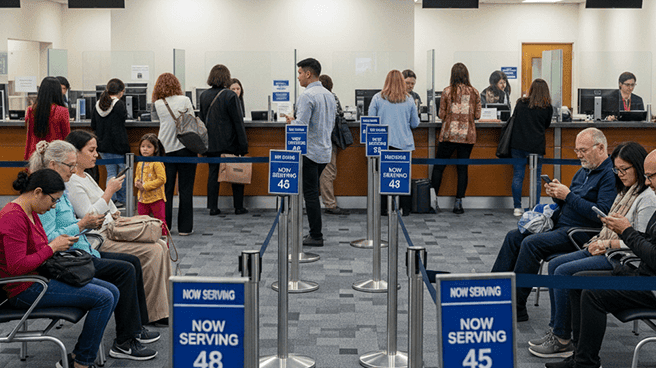
Whether in retail, healthcare, or airports, paper ticketing keeps queues moving for every type of visitor.
Queueing for Retail
Retail
Provide shoppers with the freedom to browse aisles and buy more while tracking their turn.
Queueing for Healthcare
Healthcare
Allow patients to wait comfortably outside crowded lobbies until their doctor is ready.
Queueing for Public Services
Public Services
Keep service areas clear and wait times stress-free by updating citizens right on their phones.
Queueing for Banking & Finance
Banking & Finance
Deliver real-time branch updates that let customers step out for coffee without losing place.
Queueing for Telecom
Telecom
Give walk-in visitors a relaxed, premium experience with automated queue alerts.
Queueing for Airports
Airports

Let travelers wait comfortably at amenities instead of standing in terminal lines for hours.

FAQ

Everything you need to know about setting up and using mobile alerts.

Do customers need to download an app to receive notifications?
No. The live ticket opens instantly in their phone's mobile browser, and all updates are sent directly via standard SMS or WhatsApp.

Can we customize the text inside the automated messages?
Yes. The Moviik backoffice gives you full control to tailor message templates, add instructions, or include your own brand voice.

How does the system ensure customer phone numbers are safe?
Moviik is fully GDPR compliant. Phone numbers are strictly used to send real-time queue alerts and are never saved for marketing spam.

Is there a limit to how many alerts a customer receives?
Moviik doesn't limit alerts. Messages route via gateways like Twilio, meaning volume depends entirely on your own business API plan limits.

FAQ

Everything you need to know about setting up and using mobile alerts.

Do customers need to download an app to receive notifications?
No. The live ticket opens instantly in their phone's mobile browser, and all updates are sent directly via standard SMS or WhatsApp.

Can we customize the text inside the automated messages?
Yes. The Moviik backoffice gives you full control to tailor message templates, add instructions, or include your own brand voice.

How does the system ensure customer phone numbers are safe?
Moviik is fully GDPR compliant. Phone numbers are strictly used to send real-time queue alerts and are never saved for marketing spam.

Is there a limit to how many alerts a customer receives?
Moviik doesn't limit alerts. Messages route via gateways like Twilio, meaning volume depends entirely on your own business API plan limits.

Moviik Logo

Get Started with Moviik Queue Solutions

​Let’s talk about your needs today!
Talk to our team
Added to cart
- There was an error adding to cart. Please try again.
Quantity updated
- An error occurred. Please try again later.
Deleted from cart
- Can't delete this product from the cart at the moment. Please try again later.